Annotations
Annotations are non-electrical additions that make a schematic into a finished figure. They are ignored by the netlister but appear in the SVG/PDF export.
Free text
(shortcut T) adds a line of text. Use it for notes, titles or callouts.
LaTeX fragments
adds a block of typeset LaTeX — equations,
aligned derivations, anything a standalone LaTeX document can produce.
(Requires pdflatex and dvisvgm.)
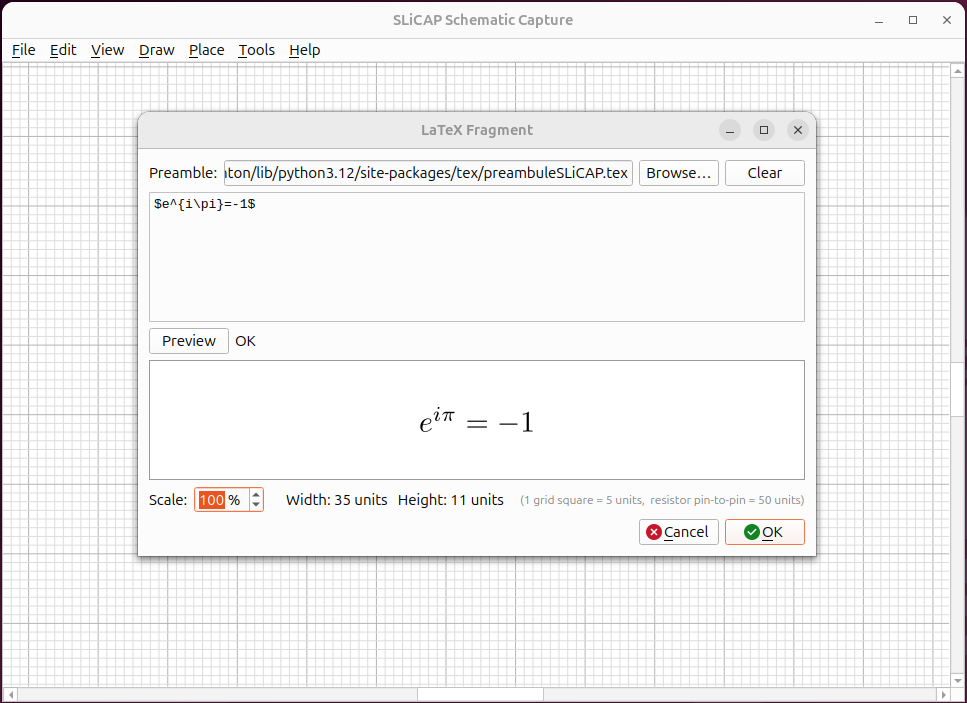
Fig. 37 A typeset equation placed next to the circuit it describes.
Hyperlinks
adds clickable link text (for example to a course or datasheet). In the editor, right-click the link to open or edit it.
Images
embeds a raster or vector image — a logo, a photo of a measurement, a plot.
Drawing primitives
The menu also provides simple shapes — Line, Rectangle and Circle — for framing, grouping or highlighting parts of the diagram.
Borders and document properties
(B) adds a drawing border/frame.
sets the title, author and page size, which are used when exporting and printing.
Renaming components
renumbers reference designators in bulk — handy after a lot of editing.